Configuration
Configuration
Administrators can customize MedikaBee through the Settings page in the admin panel. Changes take effect immediately without restarting.
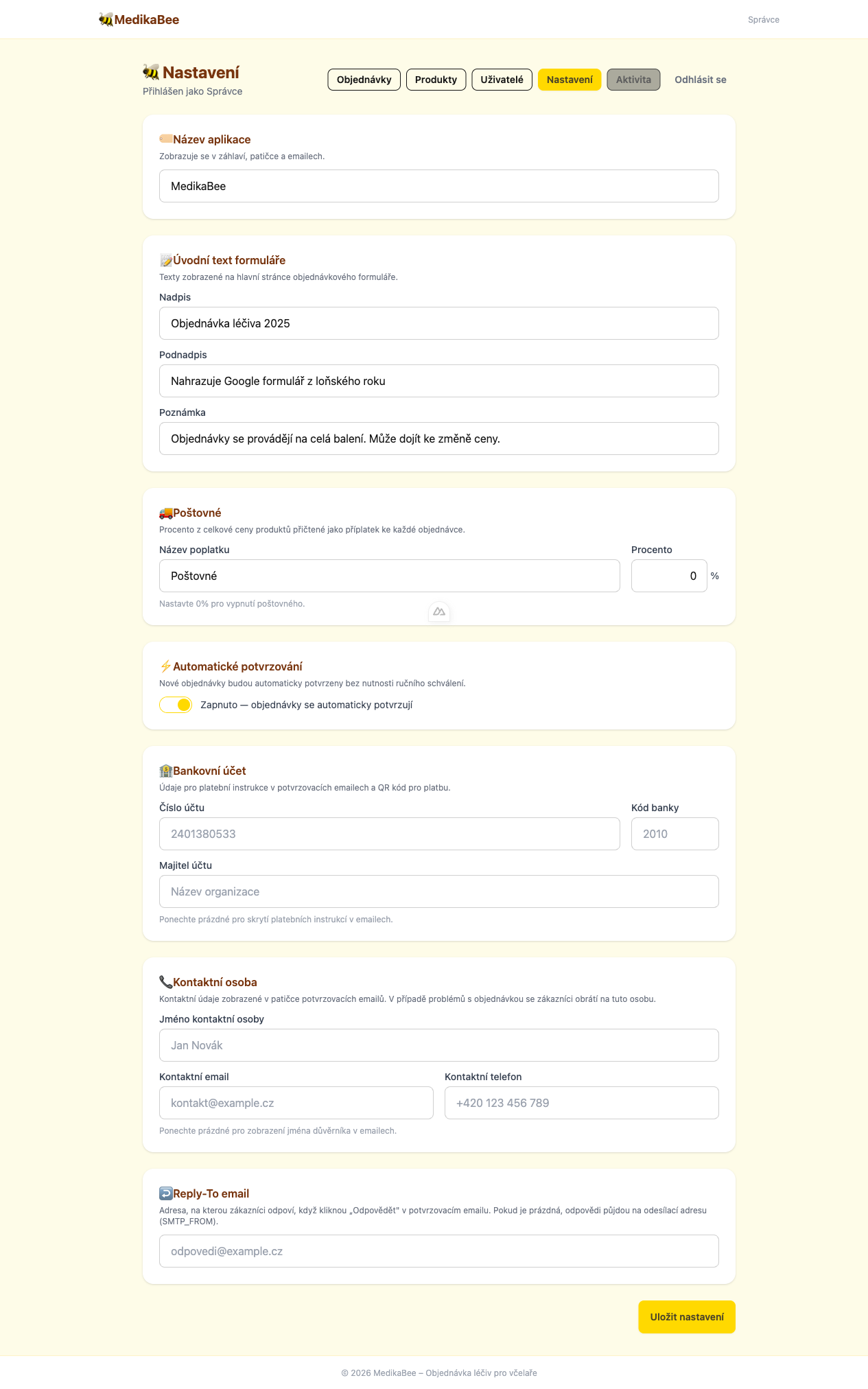
App Name
The App Name field sets the name displayed in the public interface and browser tab.
| Field | Description |
|---|---|
| App Name | Name of the application shown to visitors |
Hero Section
The hero section is the large banner shown at the top of the public order page. It introduces visitors to your ordering system.
| Field | Description |
|---|---|
| Hero Title | Main heading displayed in the banner |
| Hero Subtitle | Secondary text below the title |
| Hero Note | Small note or disclaimer shown under the subtitle |
Shipping
Configure how shipping costs are calculated and labeled on orders.
| Field | Description |
|---|---|
| Shipping Percent | Percentage of the order total added as shipping (e.g. 10 = 10 %) |
| Shipping Name | Label for the shipping charge (e.g. "Shipping and handling") |
The shipping amount is calculated automatically when an order is created:
Shipping Amount = Total Amount × (Shipping Percent / 100)
Auto-Approve Orders
When Auto-Approve is enabled, new orders are automatically set to confirmed status instead of pending. This removes the need for manual confirmation by an admin.
| Value | Behavior |
|---|---|
| Disabled (default) | New orders start as pending — require manual confirmation |
| Enabled | New orders start as confirmed automatically |
Bank Account
Payment instructions shown on order confirmation emails and invoices.
| Field | Description |
|---|---|
| Bank Account Number | Account number for payment |
| Bank Code | Bank identifier code |
| Account Owner | Name of the account holder |
Contact Person
The contact person details are shown to customers for inquiries.
| Field | Description |
|---|---|
| Contact Name | Full name of the contact person |
| Contact Email | Email address for customer inquiries |
| Contact Phone | Phone number for customer inquiries |
Saving Changes
Each section has its own Save button. Click it after making changes in that section. A success notification will confirm the update.