Users
Introduction
Learn about user management in MedikaBee
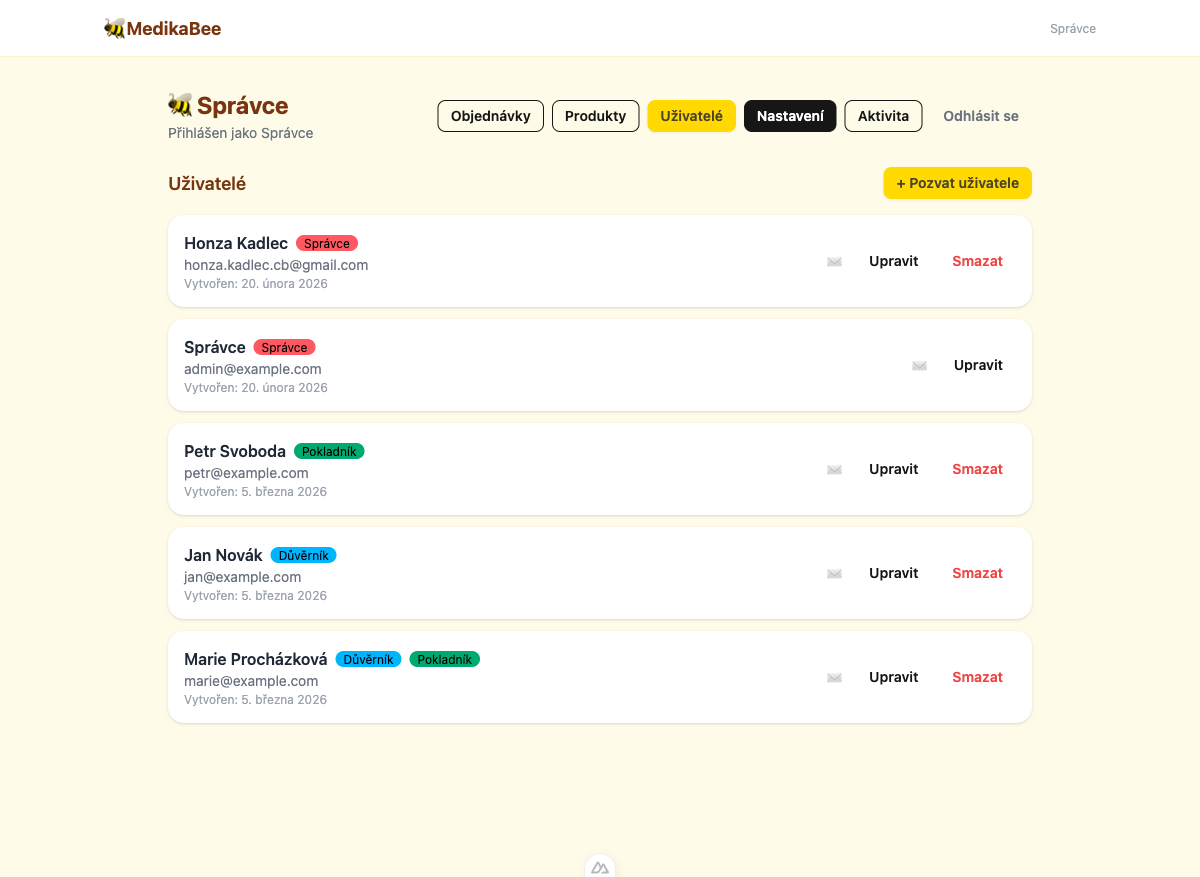
MedikaBee supports multiple user accounts with role-based access control. Administrators can invite, edit, and remove users directly from the admin panel.
What is user management?
The user management module lets administrators control who has access to the system and what they can do. Every user has a name, email, password, and one or more roles that determine their permissions.
Available roles
MedikaBee uses three roles that can be combined:
| Role | Czech name | Permissions |
|---|---|---|
| Admin (Správce) | Správce | Full access: manage users, products, orders, settings, and activity logs |
| Trustee (Důvěrník) | Důvěrník | View and manage orders assigned to them, export data |
| Treasurer (Pokladník) | Pokladník | View and manage orders, export data |
A single user can hold multiple roles. For example, a user can be both a Trustee and a Treasurer.
What you can do
- Invite new users — Send email invitations with a password setup link
- Assign roles — Control access by assigning one or more roles
- Edit users — Update names, emails, passwords, and roles
- Remove users — Soft-delete users while preserving their order history
- Resend invitations — Re-send the setup email if it was lost