Users
Roles & permissions
Understand the role-based access control system in MedikaBee
MedikaBee uses a role-based access control (RBAC) system where each user can have one or more roles. Roles determine which parts of the admin panel a user can access.
Role overview
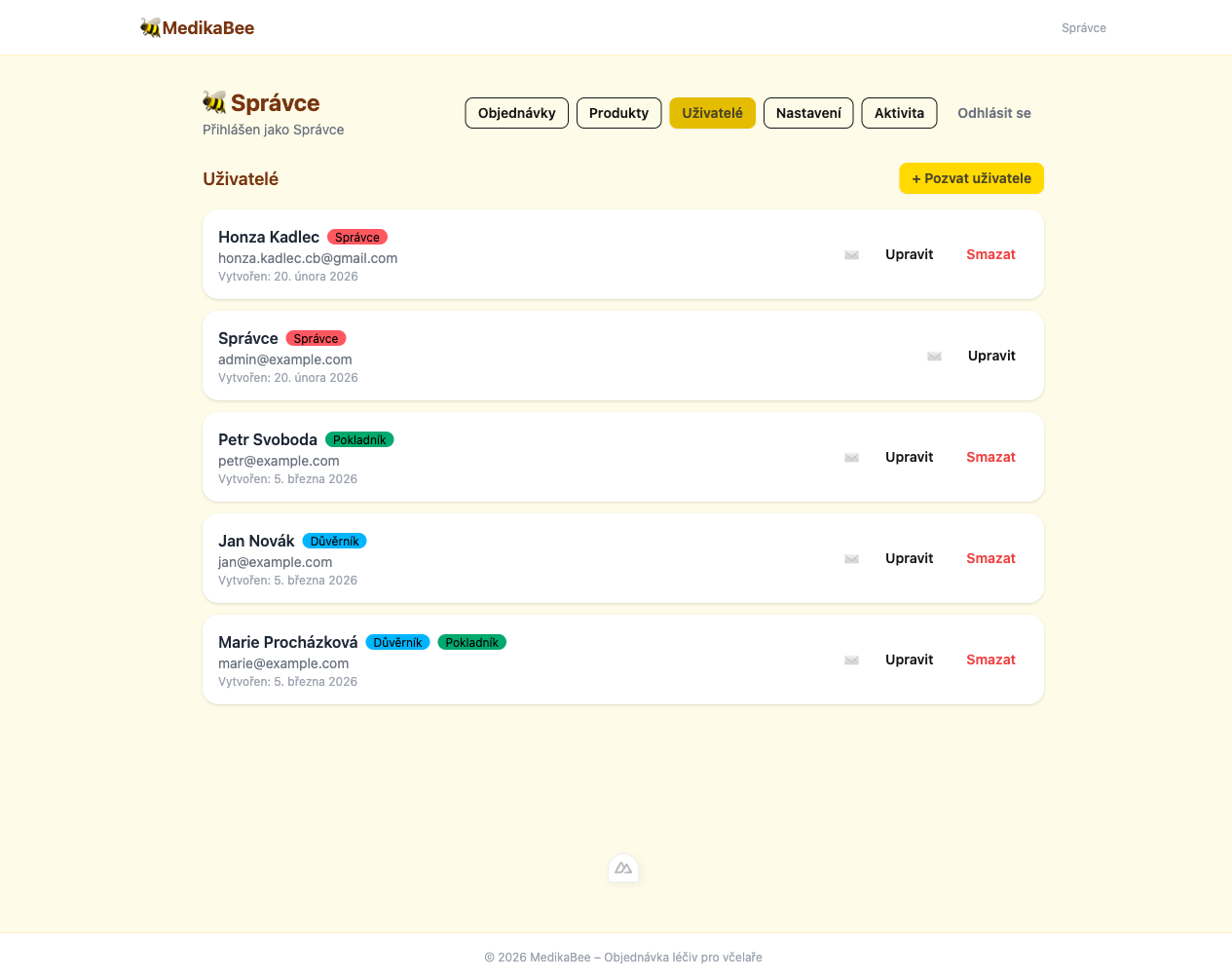
| Role | Czech name | Badge | Access level |
|---|---|---|---|
| admin | Správce | Red | Full system access |
| trustee | Důvěrník | Blue | Order management + export |
| pokladnik | Pokladník | Green | Order management + export |
Permissions by role
Admin (Správce)
Administrators have unrestricted access to the entire system:
- View, create, edit, and delete users
- View, create, edit, and delete products
- View, update, and delete orders
- Export orders to Excel and PDF
- Modify application settings
- View activity logs
Trustee (Důvěrník)
Trustees manage orders:
- View all orders and filter by status
- Update order status (pending → confirmed → paid)
- Export orders to Excel and PDF
- Appear as a selectable trustee in the public order form
When a trustee's name is changed, all orders referencing their old name are automatically updated.
Treasurer (Pokladník)
Treasurers have order access (without the ability to delete):
- View all orders and filter by status
- Update order status
- Export orders to Excel and PDF
Multi-role users
Users can hold any combination of roles. For example:
| Combination | Use case |
|---|---|
trustee + pokladnik | A member who both collects orders and handles payments |
admin + trustee | An admin who also appears as a selectable trustee |
Roles are stored as a comma-separated list in the database and serialized as a JSON array in the API.
Role change notifications
When an administrator changes a user's roles, the affected user receives an automatic email notification listing their old and new roles. This ensures transparency in permission changes.